3D models
What is in a model?
A good machine control model is more than a surface. It is a complete, checked design that your operator understands on screen and that the machine guides on accurately.
01
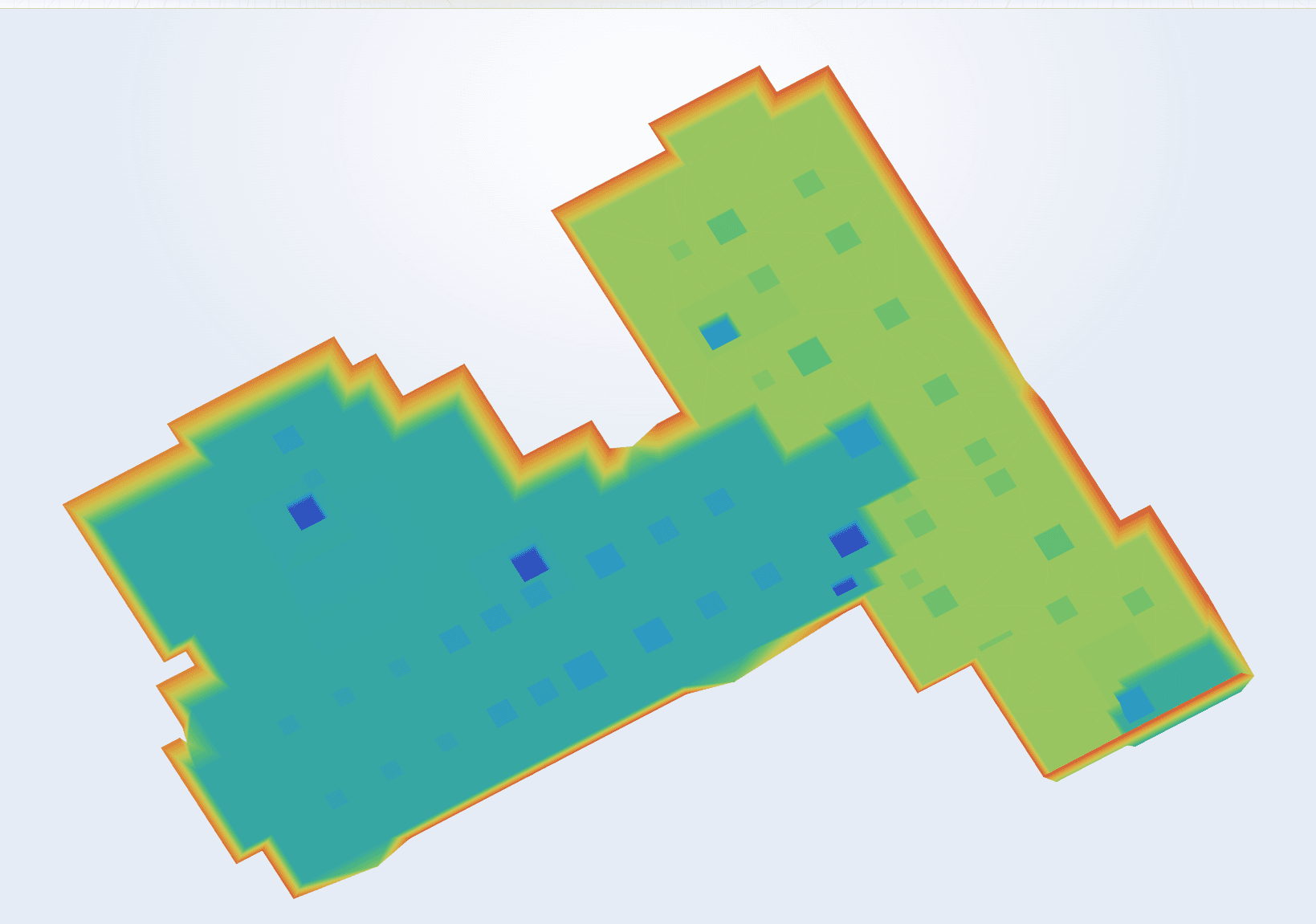
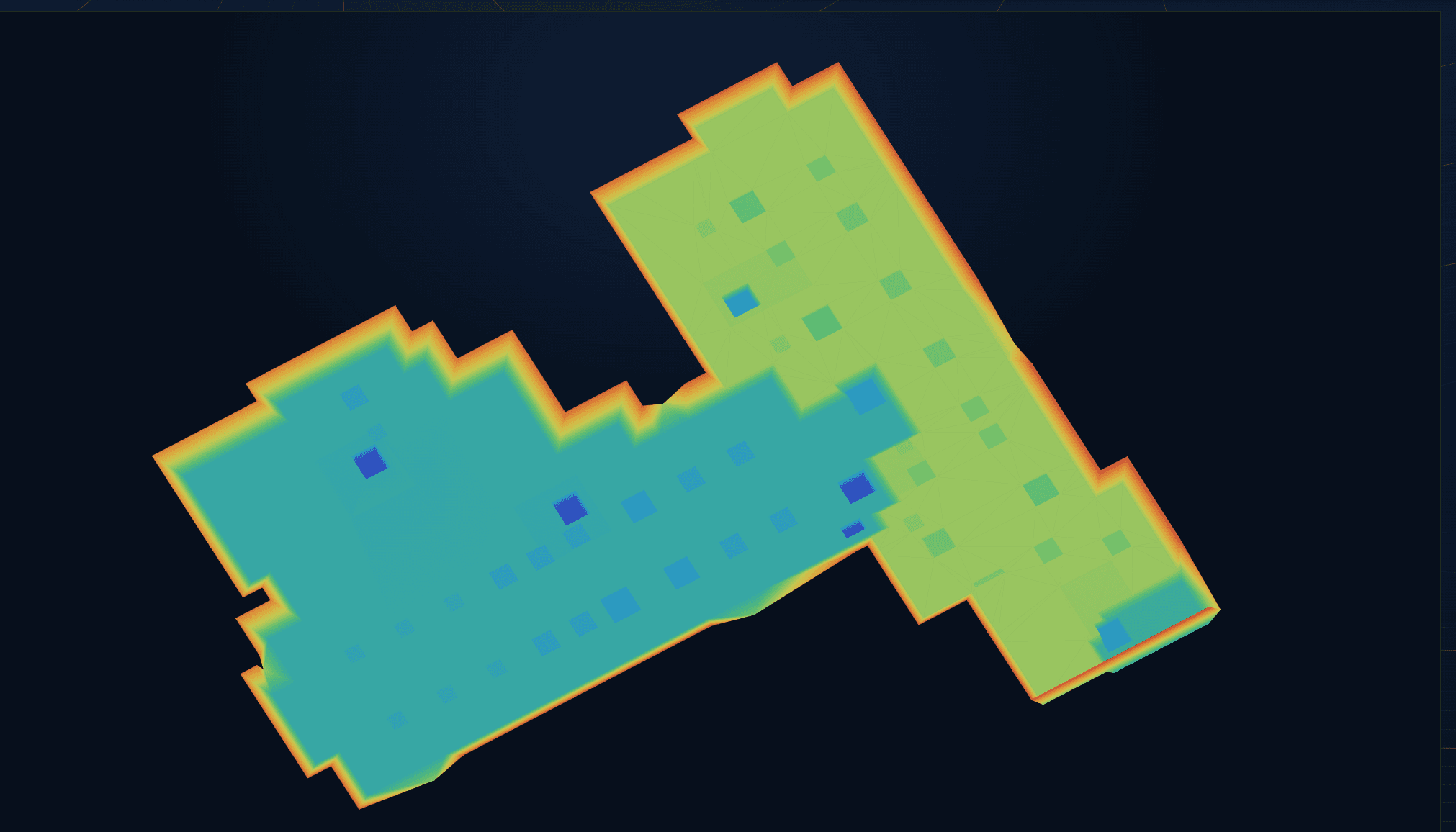
Design surface
The heart of every model: a triangulated network (TIN) of the finished level. The machine constantly compares the bucket or blade position with this design.
- Finished level or per layer (sub-base, base, surfacing)
- Tie-ins to the existing ground
- No holes or wrong triangles
02
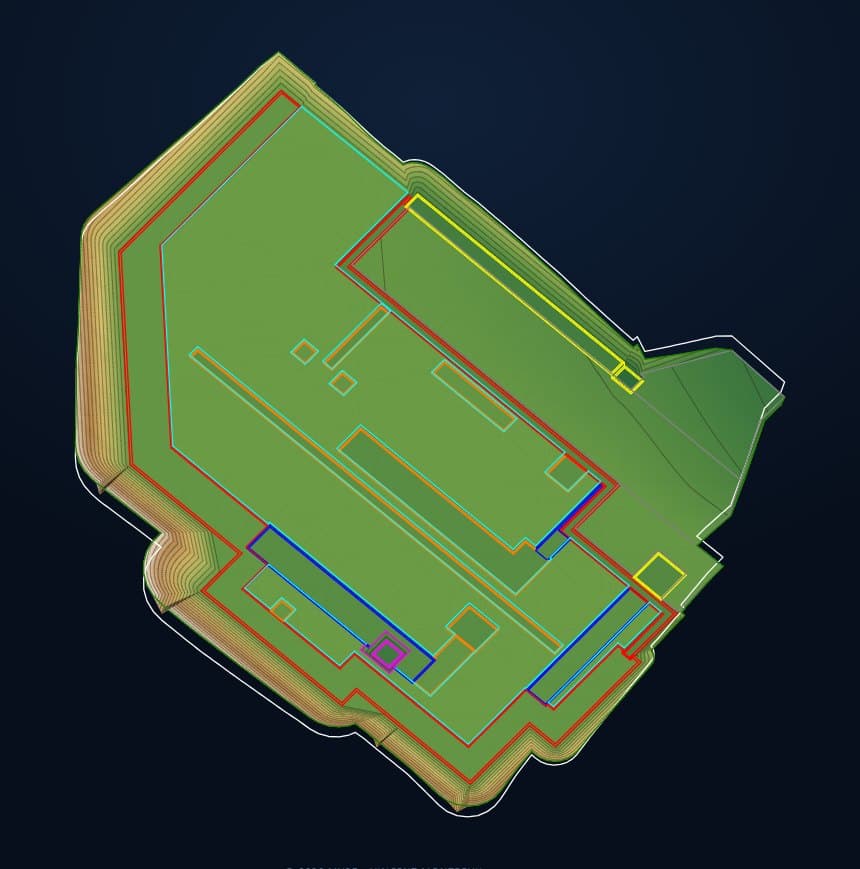
Linework and breaklines
Edges, centrelines, kerbs, toe and crest of slopes: the lines that shape the surface and that the operator sees as references on screen.
- Breaklines for a correct surface
- Layers per line type, in recognisable colours
- Centrelines for roads and pipes
03
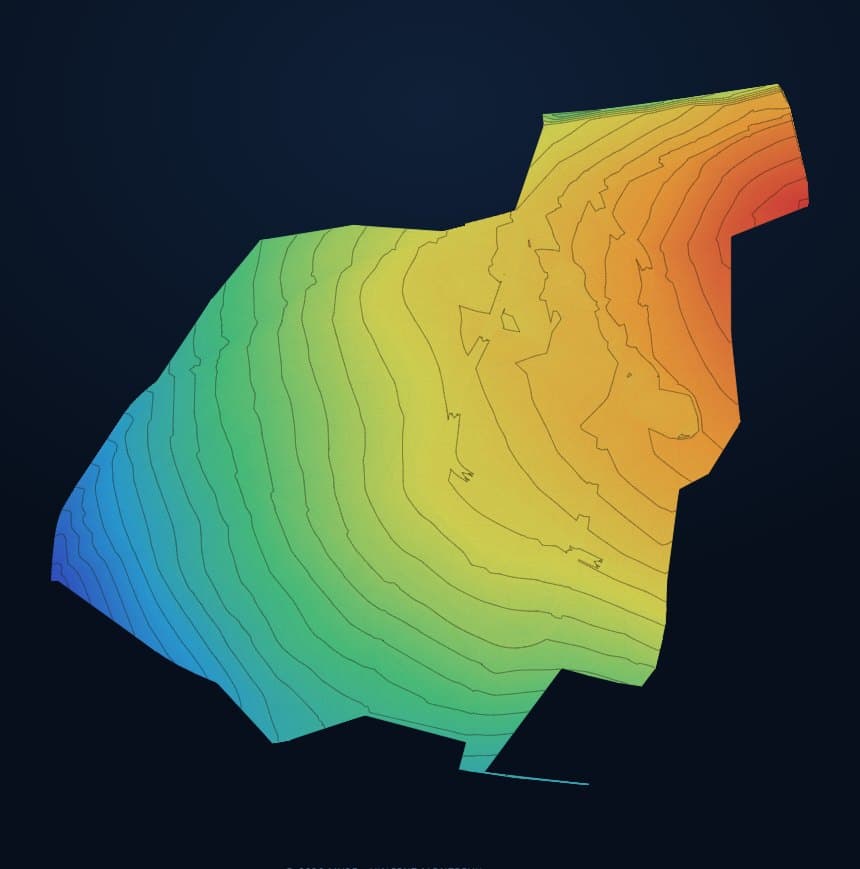
Contours and colours
To read and check the model at a glance: where is it high, where low, and does the water run the right way?
- Contours at a readable interval
- Height colours for a quick check
- Usable for setting out on site
04
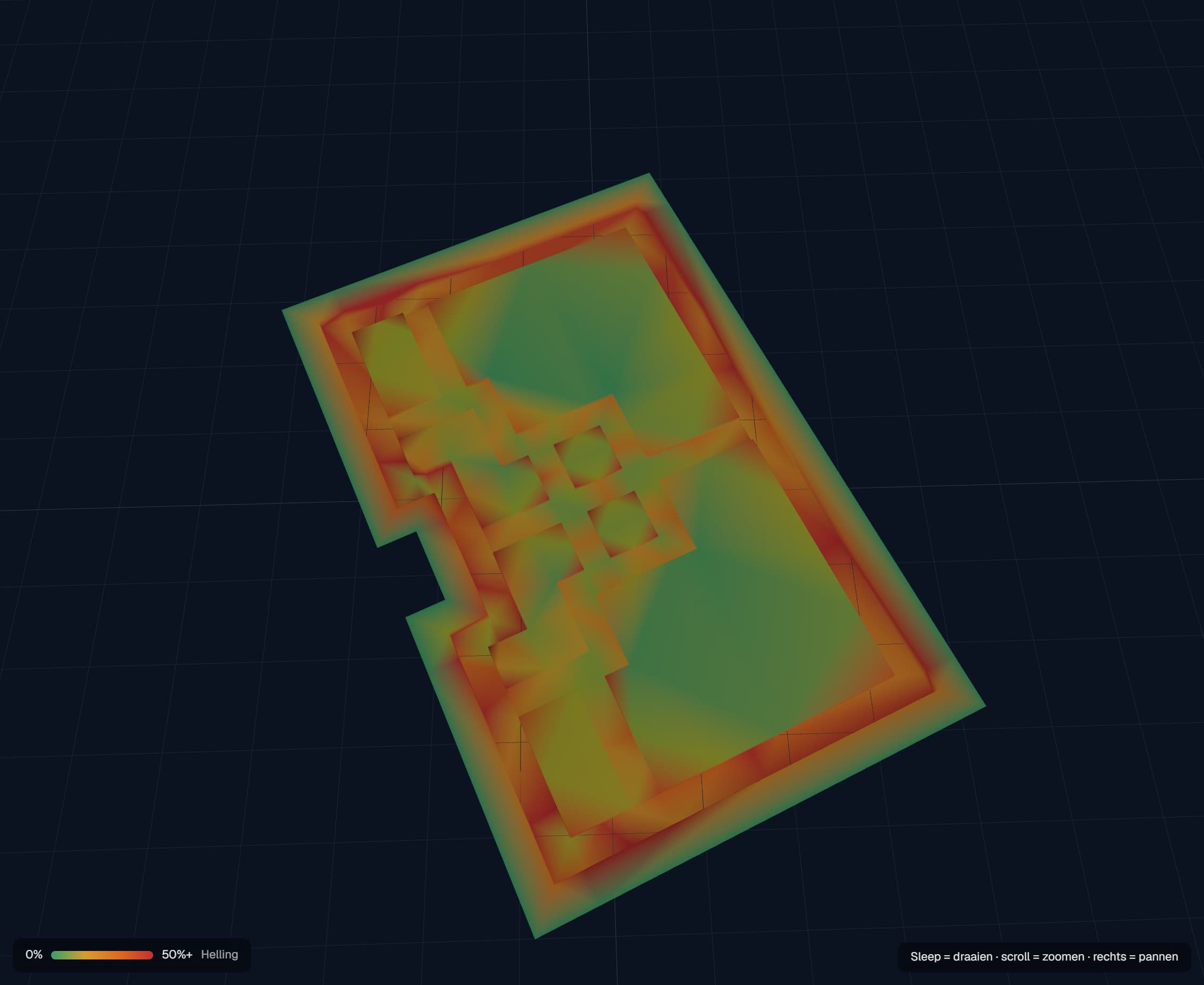
Slopes and checks
Every embankment and drainage fall is checked before delivery. Otherwise an error in the model becomes an error in the ground.
- Slope map of the whole design
- Level checks on known points
- Deviations reported before delivery
Formats
One model, all your systems
Running machines from different brands? Pick them all in your request. You get the model in each system's format at no extra cost.
- Trimble, Topcon, Leica, Unicontrol, CHCNAV, Komatsu, Caterpillar
- LandXML and DXF for other systems and your surveyor
- Always in the site's coordinate system and height datum
- Download in your client portal, with every revision
Important
I deliver the 3D model. The operation, setup and calibration of your machine control and the checks on site remain your responsibility. Check the model on a known point before you start.
Ready to start?
Send your plans, get a tailored quote
Upload your plans, give the site address and pick your machine control systems.